 Dear UHE Families,
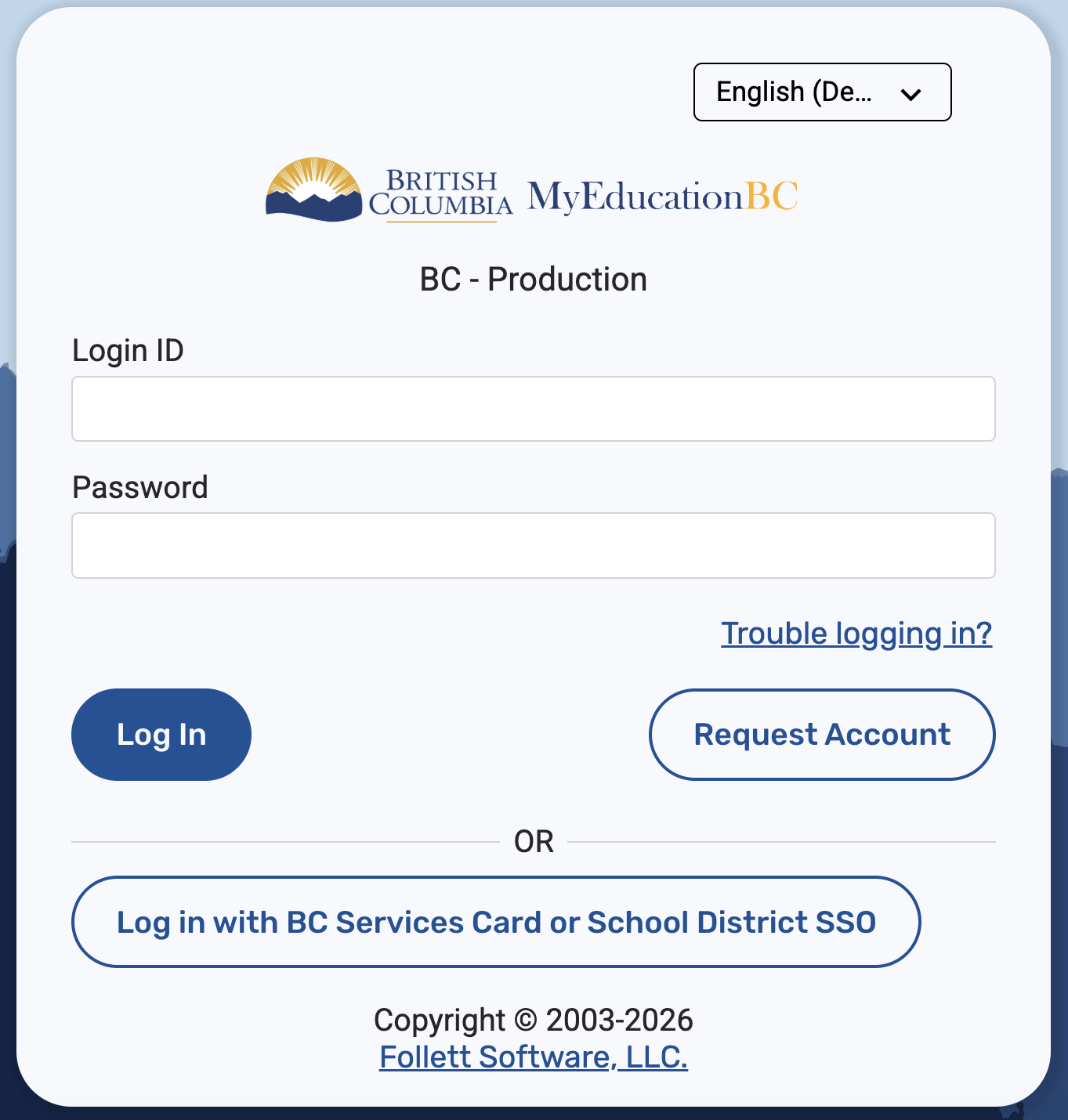
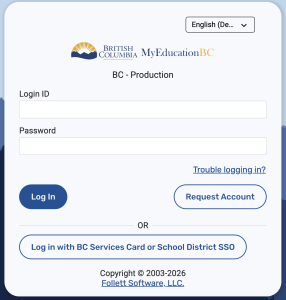
As you have already heard, we are moving to online report cards, starting in term 2 (tomorrow!)! You will receive an email from Ms. Holliday once the report cards are available on MyEd. Please see below for tips and tricks around any troubleshooting that you may need support with.
To go directly to MyEd to retrieve report cards click here.
How does it work?
Families will use account information connected to the parent/guardian of their child(ren).
Forgotten your password or password expired?
No problem. Easily reset it yourself with these instructions.
What do I need to do the first time?
- Carefully look for the email directly from MyEducationBC that has already been sent to you from sysadmin@myeducation.gov.bc.ca.
- Check your junk/spam/promotions folder if it didn’t appear in your inbox.
- If you already have an account to the Family Portal, log in as usual.
- Using the account info from the above email, log in for the first time as soon as possible using a computer, laptop or iPad. Click on the resources linked below to know what to expect:
- detailed instructions with pictures
- a video to follow along with
- Mobile log in is possible after your first log in. Please do not use a cellphone or tablet the first time you log in, use a computer. Need to use a computer at school for the first log in? No problem. We’re happy to help at the office.
- Wait until your child’s report card (also known as a learning update) is published online by the school office (check out our Calendar for these dates & subscribe for updates).
Where else can I look for help?
Check out this Parent Resources link from our school district.
Contact our school office team at UniversityHighlands.info@burnabyschools.ca.